Browser requirement
A modern Chromium-based browser on Android or Safari on iOS is required. Older browser versions may not render live casino streams or crash game animations correctly.
The 9999wen lobby — slots, live casino tables, crash games and cricket betting — is built to load cleanly on any modern mobile browser, no install required.

Before you settle into a long live-table session on mobile, run through these compatibility points. They cover the account and browser conditions that keep the experience smooth across different phones and connection types.
A modern Chromium-based browser on Android or Safari on iOS is required. Older browser versions may not render live casino streams or crash game animations correctly.
The 9999wen mobile layout is optimised for screens from 5 inches upward. Tablet screens get a wider grid view with more game tiles visible per row.
Your account must be verified before withdrawals are processed. Complete the identity step inside your account dashboard — it takes a single document upload.
The currently supported device list is published in the Help section of your account. Check there first if you notice layout issues on a specific handset model.
Live dealer tables stream continuously, so a stable 4G or Wi-Fi connection is worth having before joining a Dragon Tiger or live roulette round.
These are the app-level features that change how you move through the lobby compared to a standard desktop session. Each one cuts a step from your usual flow.

Getting into 9999wen on your phone does not require an app store visit. Open your browser — Chrome on Android or Safari on iOS both work well — and navigate to the current 9999wen address. The site detects your screen size and switches to the mobile layout immediately. From there, sign into your existing account using your registered number and OTP, or
create a new one through the same form you would use on desktop. If a dedicated app build is listed on the downloads page for your region and local law allows it, you can grab that instead and get fingerprint login and push alerts on top of the browser experience.
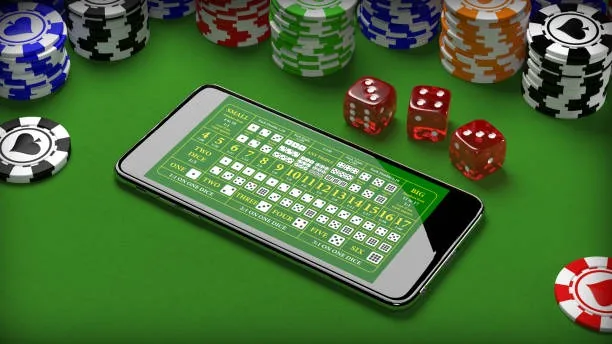
Open 9999wen on your phone and you get the full lobby — Aviator crash rounds, Roulette GlowSpin, live Dragon Tiger tables and cricket betslip all in one scrollable screen. Where a native app build is available, you get push notifications for live rounds and match kick-offs, a quick-deposit shortcut that skips the desktop flow, and fingerprint login so you are back in
your account in seconds. The mobile layout adapts to portrait and landscape without cutting off your betslip or the live dealer feed. Your JazzCash or Easypaisa wallet sits in the same chip row as your account balance — no switching tabs to top up.
These are the questions we see most from Pakistan players who want to use 9999wen on their phones. If your question is not here, the Help section in your account dashboard has a full support thread.
Service availability depends on eligible regions and local law. Users should check local rules before opening an account.
Access may be available only where local law permits.